Create the vehicle folder
Start from the stock number, VIN, make, or model so every image belongs to a listing-ready vehicle set.
Folder: CAR-2026-0042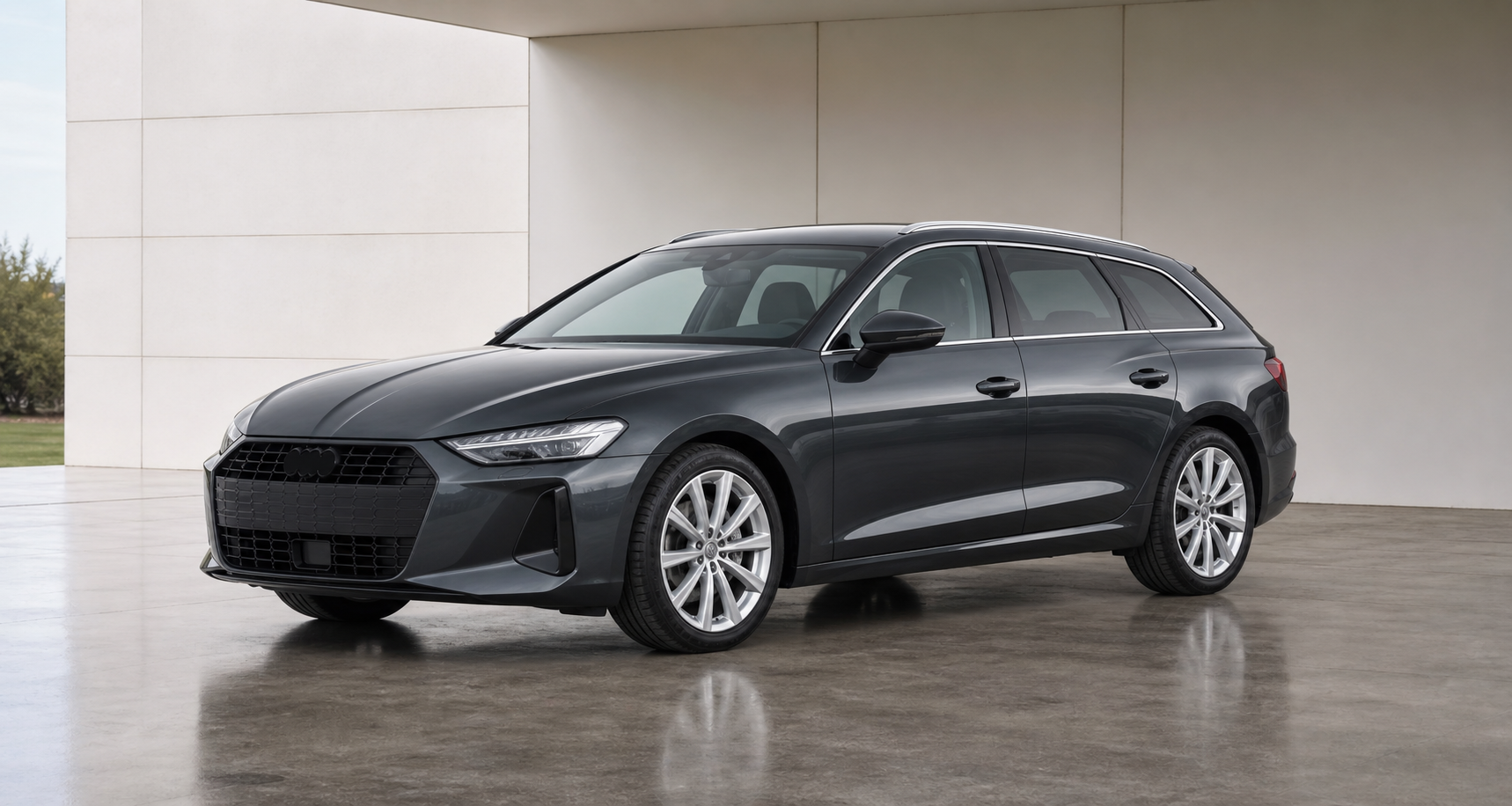
Upload photos, apply repeatable retouch actions, compare every generated version, and export listing-ready images.
Subscribe and we will notify you when CarRetouch goes live. We only use your email address for this launch notification.
CarRetouch follows the way listings are produced: stock number first, photo set second, repeatable retouch settings, then review and export.
Start from the stock number, VIN, make, or model so every image belongs to a listing-ready vehicle set.
Folder: CAR-2026-0042Upload the full set, keep local previews stable, and move through the next shot while uploads finish.
12 uploaded imagesUse concrete presets like lighting, reflections, cleanup, and crop instead of rebuilding a prompt each time.
Clean reflections / Showroom lightingThe original remains available, generated versions stay in the thread, and review happens next to the result.
Original vs active versionDownload ready images with names that can include stock number, shot role, resolution, and version.
CAR-2026-0042_front_34_2k_v2The target is credible dealership presentation: cleaner reflections, more even lighting, and less visual distraction without turning the car into a fantasy render.
Make dim or uneven showroom photos easier to inspect while keeping the paint believable.
Clean the presentation around the vehicle so buyers focus on the listing, not the photo problems.
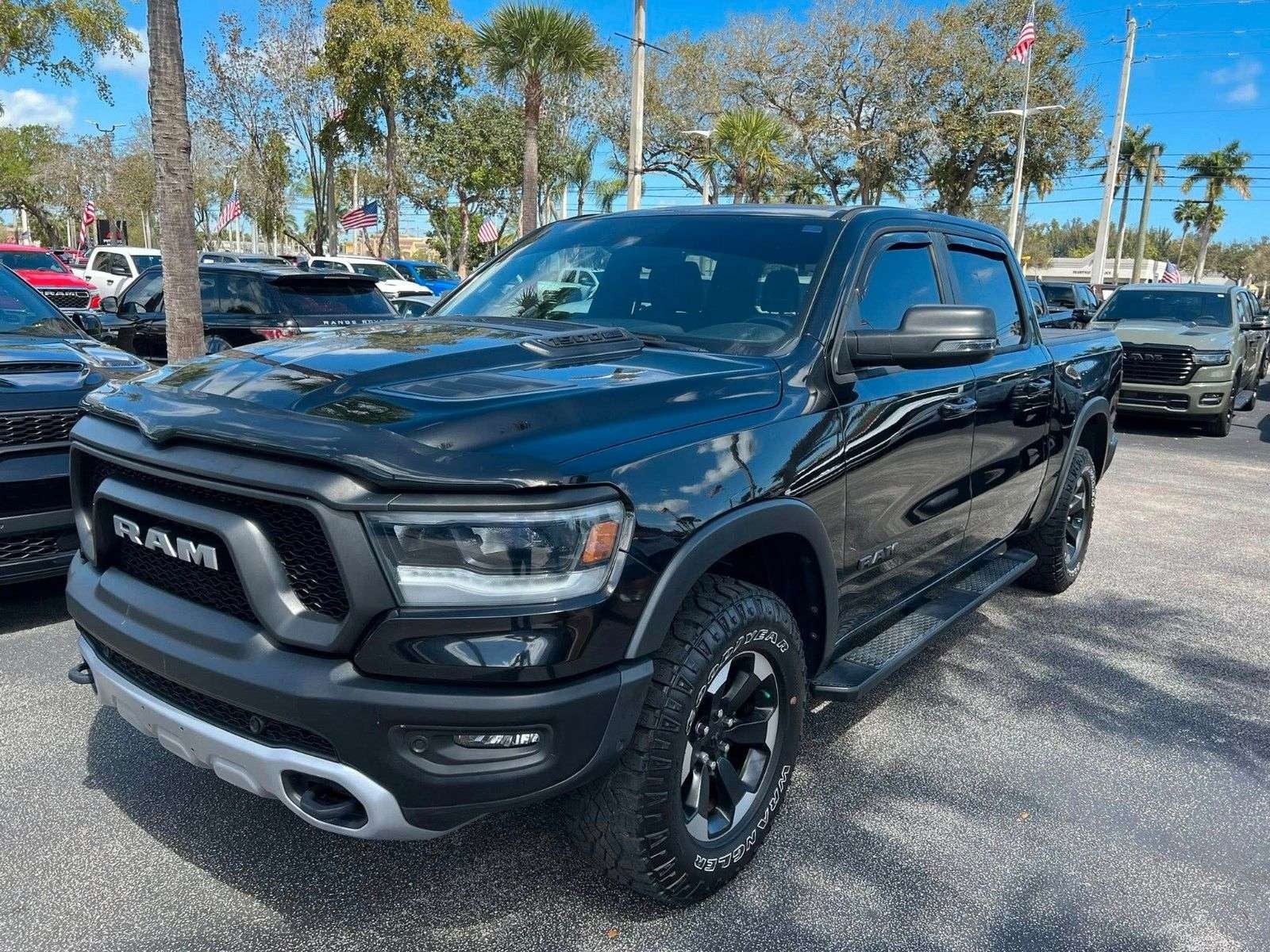
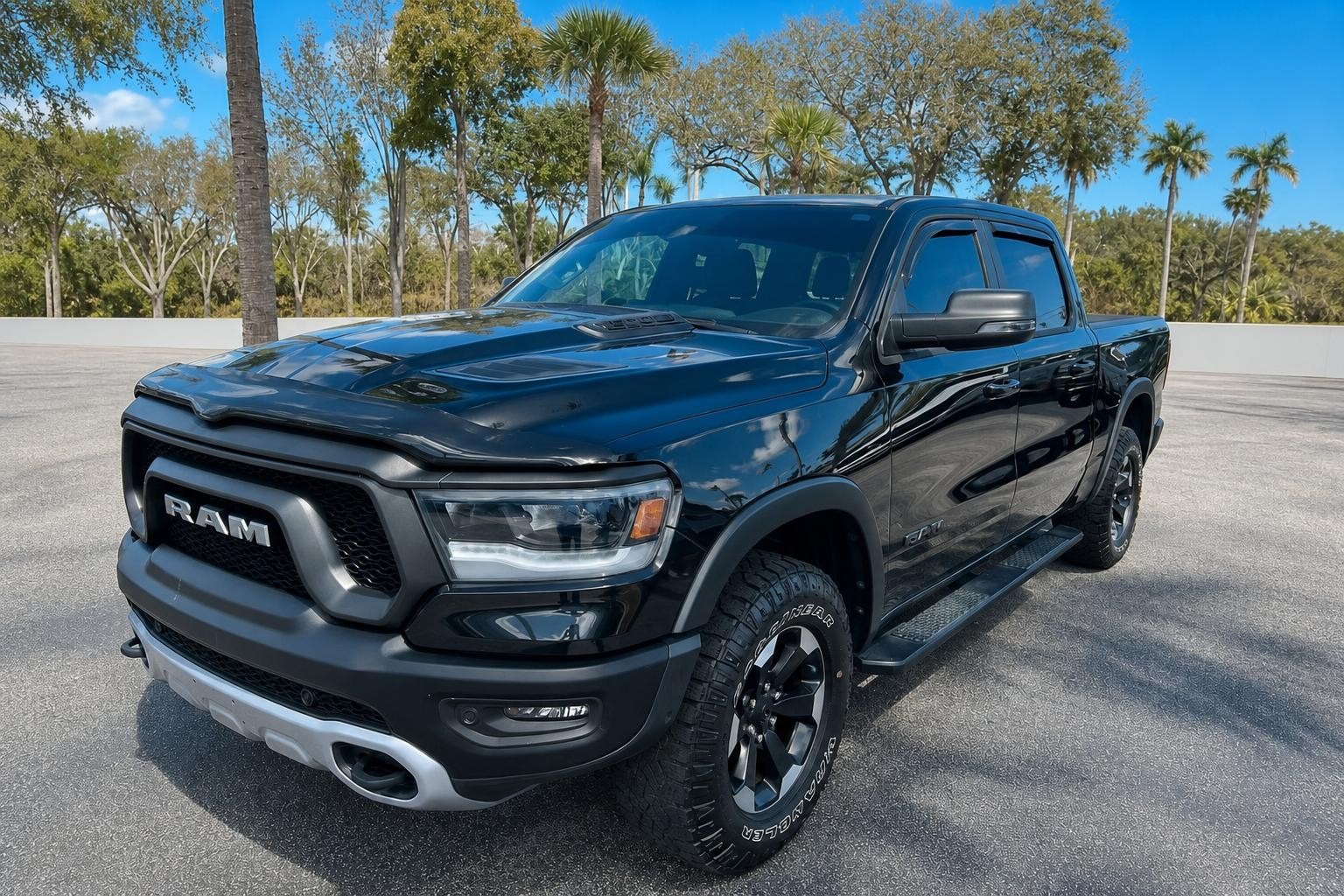 OriginalRetouched
CarRetouch is set up around your company account. Every invited member works in the same workspace, uses the same credit balance, and can help with the same vehicle photos.
Credits are not locked to individual users. When the company buys credits, the whole team spends from one shared pool.
Workspace members can open the same vehicle folders, view uploaded photos, compare versions, and continue work another teammate started.
If one person uploads a car and another person has time to retouch, they can pick it up without transferring files or sharing separate logins.
Owners invite teammates and manage the shared balance, so billing and production stay under the company workspace.
Managers should not need a spreadsheet to understand image spend. CarRetouch keeps cost, held credits, and job outcomes close to the retouch action.
Resolution and image size map to a credit cost before the user starts paid work.
Running jobs can hold credits separately, so the available balance stays understandable.
Eligible failed jobs release credits and keep the image visible for retry.
AI retouching should feel safe to try. CarRetouch keeps the source image intact and makes comparison part of the review loop.
No. Originals remain available and generated images are stored as versions so the team can compare, undo, or download the edited output.
Yes. The workflow is built around vehicle folders, uploaded image sets, shot roles, review, and export.
No. The product leads with retouch actions and presets. Optional notes are available, but the workflow should work without prompt writing.
The app shows an estimated credit cost before retouching, with held credits visible while jobs run.
Open the production lane, pick a vehicle folder, and see the retouch loop in context.